

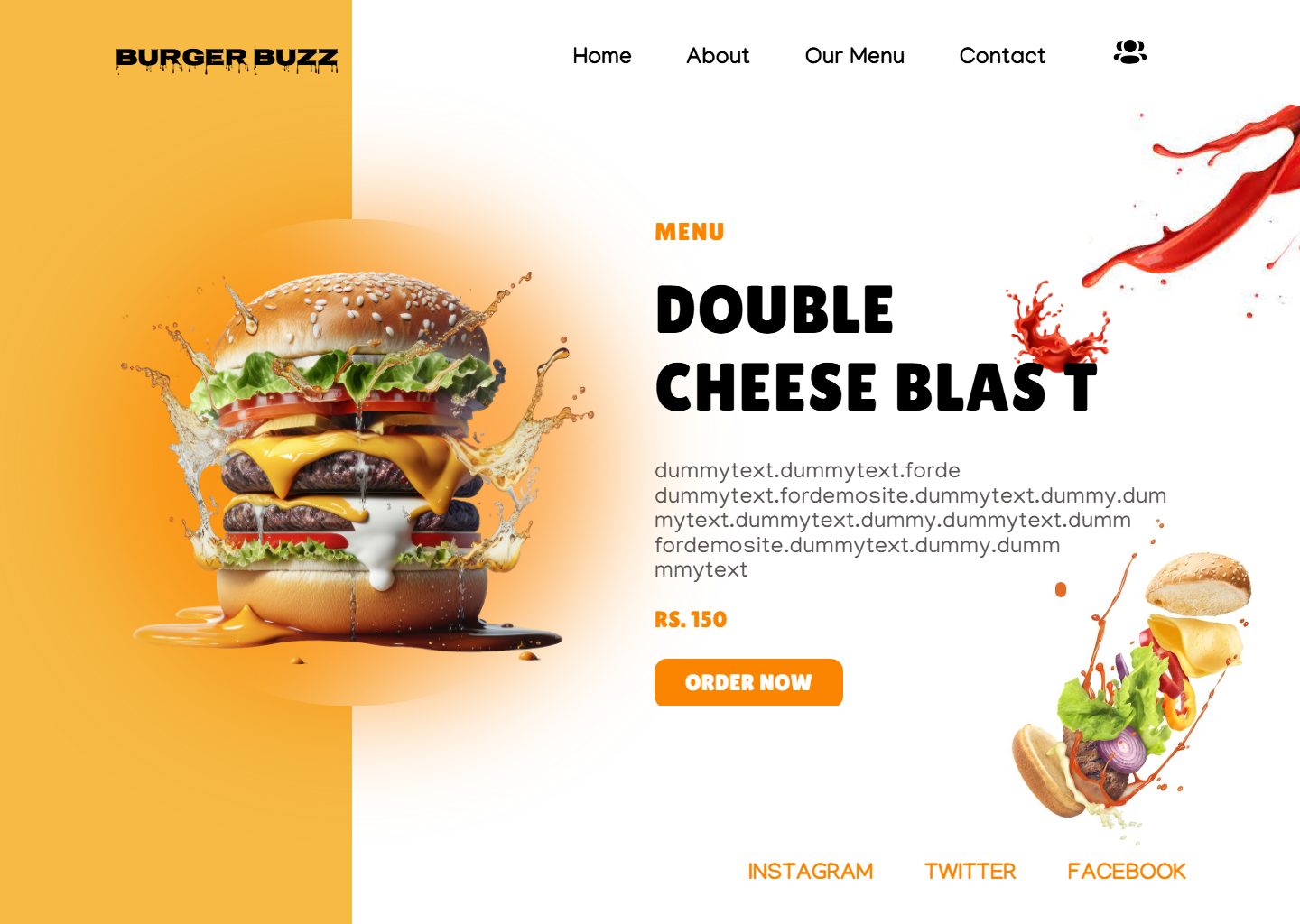
Photos cut out, words kept as words
Photos and icons are cut from the design to their exact edges. Headlines and buttons stay real text you can edit and Google can read.
Drop your Figma .fig file. Get a tested, editable Elementor page in minutes, for a fraction of hand-building costs.
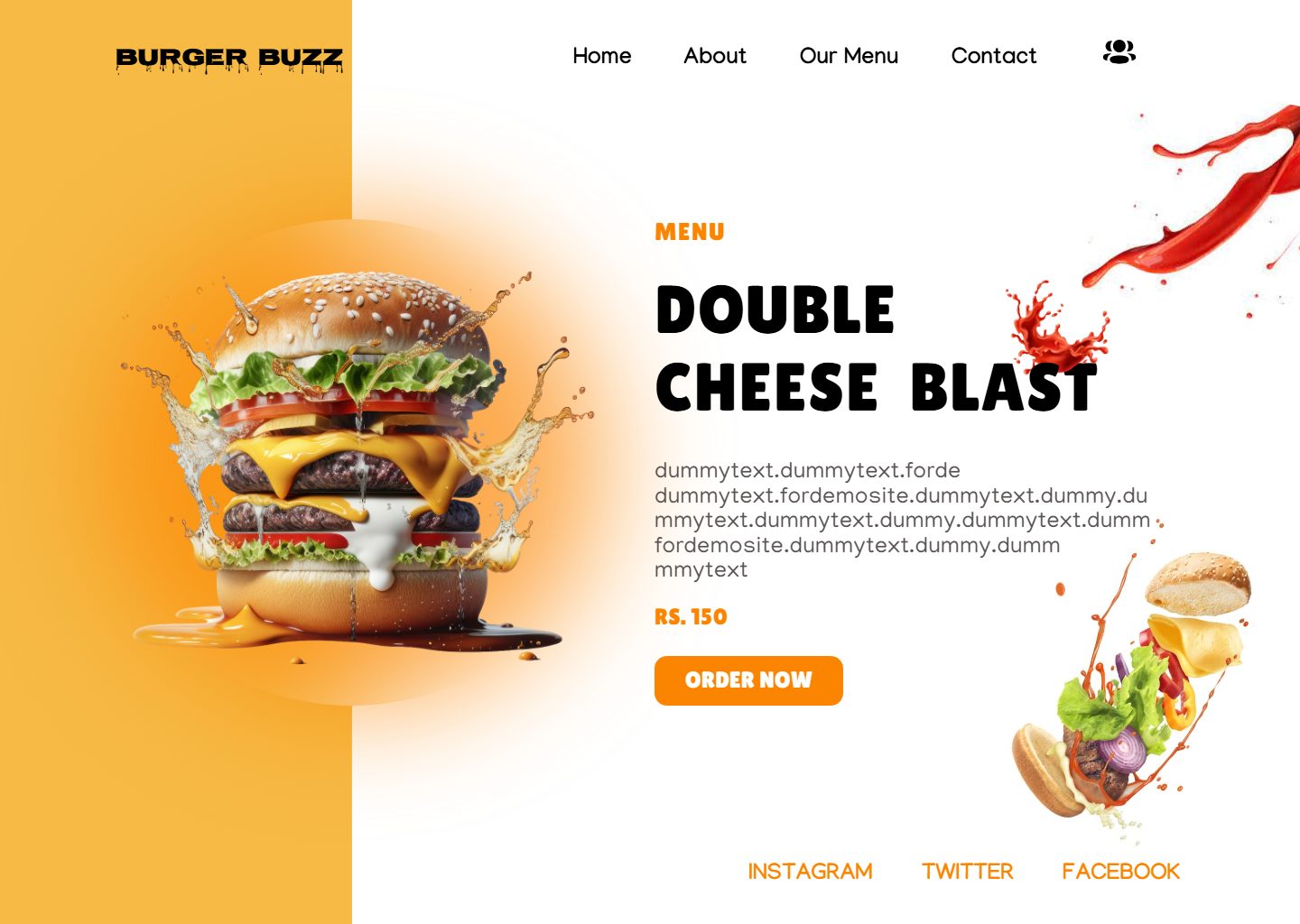
97.8% match
Built from the .fig
0 invalid settings
FigmaElementor
Works with the tools your team already uses
The problem, every step of the pipeline, the result, and who is behind it. Turn your sound on.
match on a real landing page, built straight from its .fig file.
match on a real 14-section client home page.
.fig opened in the browser. Only the chosen page was sent.
invalid Elementor settings. Every one is checked before you get the file.
How it works
In Figma choose File, Save local copy, and drop the .fig on F2E. It opens in your browser, you pick the page, and only that page is sent. Any file size works.
F2E reads each layer's size, position, spacing, font and colour straight from the file. Nothing is guessed from a picture.
The compiler writes Elementor JSON and checks every setting against what Elementor accepts. Unknown icons and broken HTML never reach the page.
The template is imported into a sandbox WordPress and published as a page, exactly as your client's site would load it.
Every layer is measured on the real page against Figma and shown side by side. Whatever is off gets fixed before you see it.
Only this page is sent


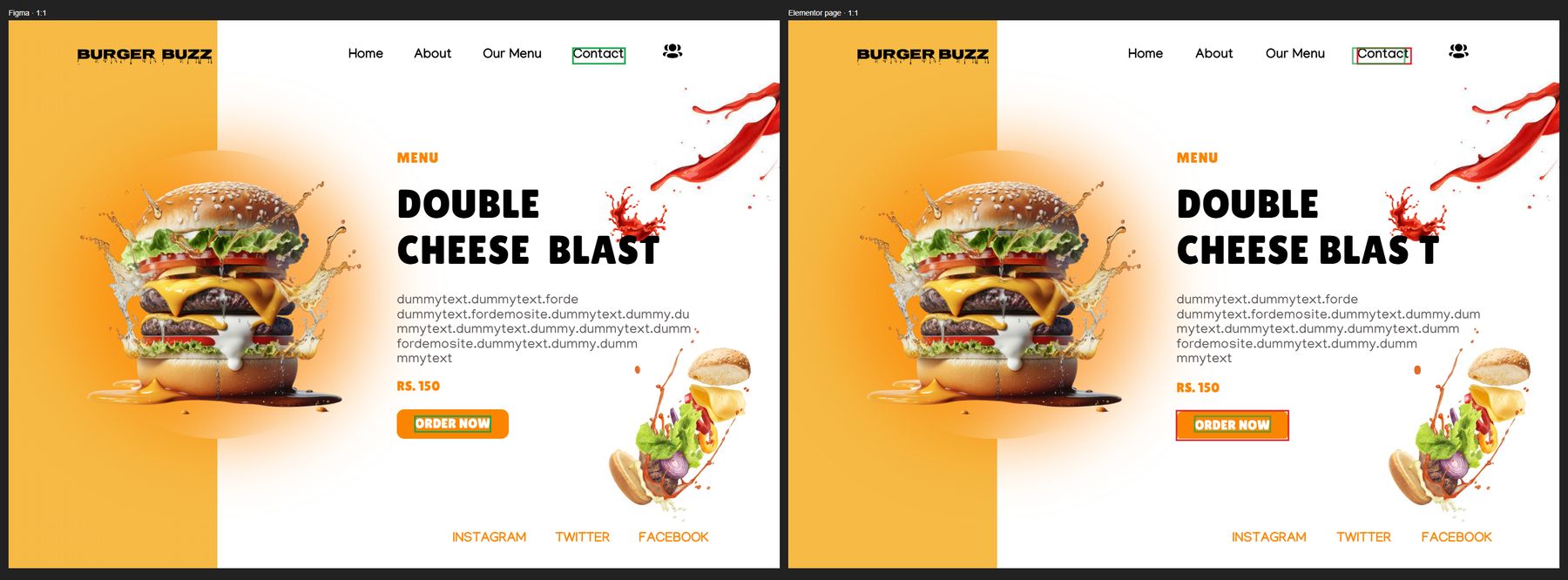
Left of the line is the Figma design. Right of it is the Elementor page F2E built from the .fig. Real pages, real scores.
Agency pages: the free "14 Free Landing Pages" Figma kit by David Pokorny.
Figma gives one width. F2E adds tablet and phone rules so wide rows stack and nothing scrolls sideways.
Assumes one hour of review per F2E page. Move the sliders to match your team.
Five details F2E gets right on every page, so nobody fixes them by hand.
Photos and icons are cut from the design to their exact edges. Headlines and buttons stay real text you can edit and Google can read.
Build with Elementor Free widgets, or switch to Pro forms and menus per project.
Don’t just take our word for it.
Browsers draw some fonts wider than Figma. F2E measures every font and corrects it, so no heading jumps to a second line.
Rows become columns, cards stack, headlines shrink. Checked at 768px and 390px before you get the file.

Green is where Figma has it, red is where the page put it. Anything off is fixed before you see it.

Who built it
Agencies pay developers to rebuild every Figma page by hand, one widget at a time. I built F2E to do that first pass for them, and to show exactly where it matches the design and where it doesn't.
F2E is an online tool for agencies. You sign in, drop a .fig file and download a tested Elementor template. Every page is checked on a real WordPress install before it reaches you.
One credit converts one page: the Elementor template, the report and the test page. If a conversion fails, the credit comes back.
$19one page
$149$14.90 per page
$599$11.98 per page
A developer rebuilding one page by hand usually costs $150 or more.
$19 for one page, $149 for 10 pages or $599 for 50 pages. One credit converts one page and includes the template, the report and the test page. If a conversion fails, the credit comes back.
No. F2E builds with Elementor Free widgets by default. If your site has Pro, pick Pro mode and forms and menus use the Pro widgets.
One Elementor JSON template, a link to the test page it was checked on, and a report that shows each section next to your design with its match score.
F2E fixes it automatically first. Whatever is still off is marked in the report, so your developer knows exactly where to look instead of checking the whole page.
Elementor 4.4 with Flexbox containers. Every setting is checked against what that version accepts before the file reaches you.
Your .fig stays on your computer; only the page you pick is sent, and it is only used to build your page. Nothing is shared or published, and test pages are not indexed by search engines.
Open the design in Figma and choose File, then Save local copy. Drop that file on F2E. It works with any Figma plan, no plugin and no account connection.
No. The file is opened in your own browser and stays on your computer. You pick a page, and only that page and its images are sent, usually a few MB.
A .fig holds the exact layers: every size, gap, font and colour. That is how F2E builds the page without guessing, and why the match scores are this high.
Create an account, pick a credit pack, and drop your .fig file. Your tested Elementor page is ready in minutes.
Already have an account? Sign in